

Getting started
Your journey begins with creating your organization's account. You verify your email address and mobile number, tell the system about yourself and your company, its sector and its size, then choose your goals, the organizational structure template that suits your sector and the initial folder structure. After the request is reviewed and accepted, you sign in, choose your organization, and go through an introductory tour and the «Get started» steps to prepare the organization.
2 articles
Articles in this module
 2:15
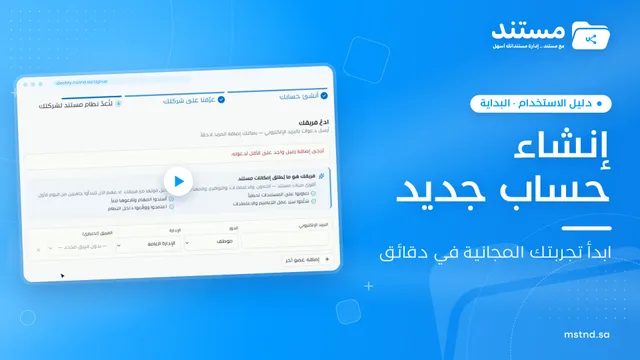
1Creating a new Mstnd account: from your email to setting up your organization
Create your Mstnd organization account: verify email and mobile, add company and sector details, pick a structure template, invite your team, then await review.
19 min read2:15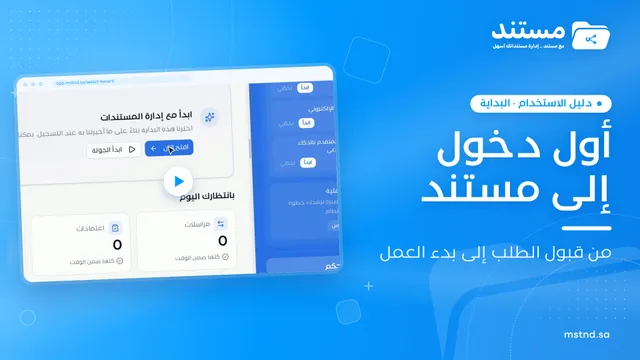 0:47
2Your first sign-in to Mstnd after your request is accepted: from the notification to getting to work
What happens after your Mstnd request is accepted: signing in and choosing your organization, the introductory tour, the «Get started» list and your free trial.
14 min read0:47