

Circulars
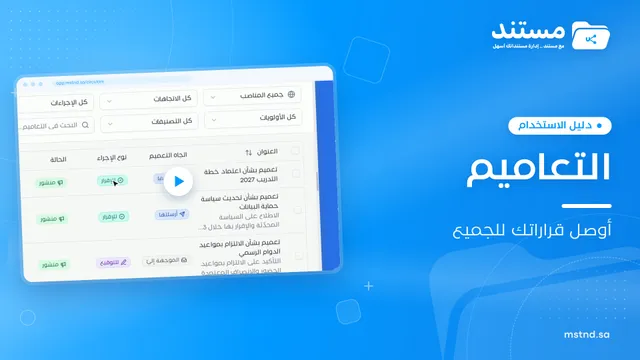
Circulars are the way to deliver decisions and policies to the whole organization or to specific units and positions. When you create one, you set the required action type: for information, for acknowledgment or for signature. You attach the documents and adjust settings such as allowing comments, email notification and automatic resending, then publish. After publishing, you see who has read it, who has acknowledged it and who has not, and you send a reminder to a specific recipient or to all late recipients.
3 articles
Articles in this module
 0:32
1Circulars in Mstnd: get your decisions to everyone and track their response
Learn the Circulars page in Mstnd: every sent and received circular with its action type, status, priority and category, plus filters, search and new circulars.
13 min read0:32 0:57
2Creating a circular in Mstnd: circulate your decision and make sure it is read
Create a circular in Mstnd: title and subject, priority and category, action type, attachments and links, recipients, settings, then publish or save as a draft.
16 min read0:57 0:31
3Circular details in Mstnd: see who has read it and who has not
Learn the Mstnd circular details page: the total, read and acknowledged indicator, content and attachments, tracking each recipient, and one-click reminders.
13 min read0:31