

Reports
The report center gathers the system's reports by section: documents and folders, correspondence, tasks, transactions, circulars and users. The analytics dashboard shows the main charts on one screen. On each report's page, you filter the data and the indicators and charts update immediately. You export the report to Excel, CSV or PDF, or schedule it to be generated periodically and saved in a folder you choose, with a notification.
3 articles
Articles in this module
 0:43
1The report center in Mstnd: all your organization's reports in one place
The Mstnd report center groups document, correspondence, task, transaction, circular and user reports by section, with quick search and an analytics dashboard.
12 min read0:43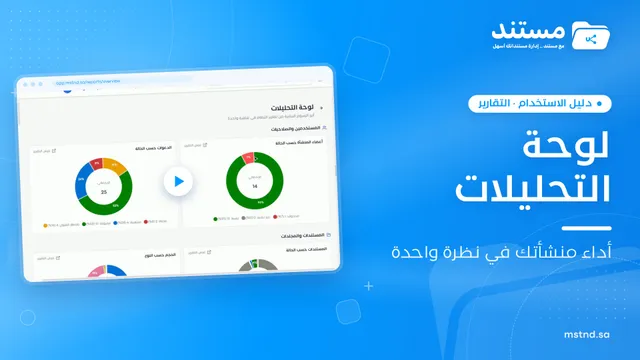 0:25
2The analytics dashboard in Mstnd: your organization's performance at a glance
The analytics dashboard in Mstnd shows the key charts from every report on one screen, grouped by users, documents, tasks, transactions and correspondence.
11 min read0:25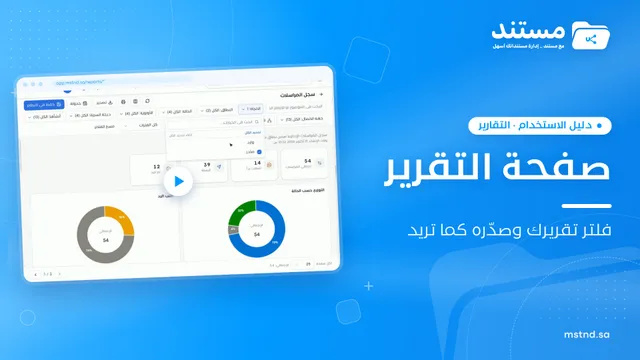 0:56
3The report page in Mstnd: filter, export and schedule your report
Learn the Mstnd report page: indicators and charts, filters, the data table, export to Excel, CSV and PDF, scheduling, and saving as a document in the system.
12 min read0:56