
Settings
From the settings you control everything about your organization. You set its data, the date and time format in Hijri and Gregorian, the appearance and branding with your colors and logo, and the email identity that notifications are sent from. You also set how AI behaves in analysis and confidentiality classification, the translation terminology glossary, the library of metadata templates and the official stamps.
14 articles
Articles in this module
 0:42
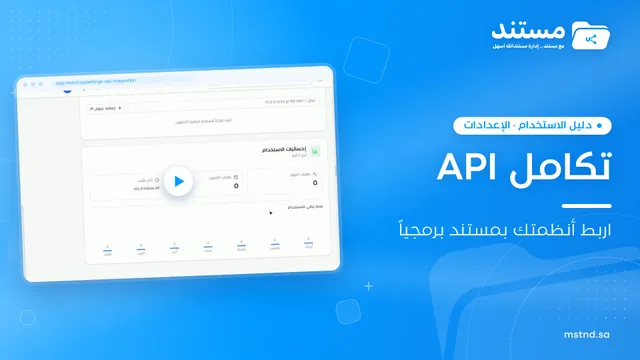
1API integration in Mstnd: connect your systems programmatically with secure keys
Learn the Mstnd API integration page: public and secret keys, base URL and docs, the «Integrations» folder, rate limit, IP restrictions and usage statistics.
12 min read0:42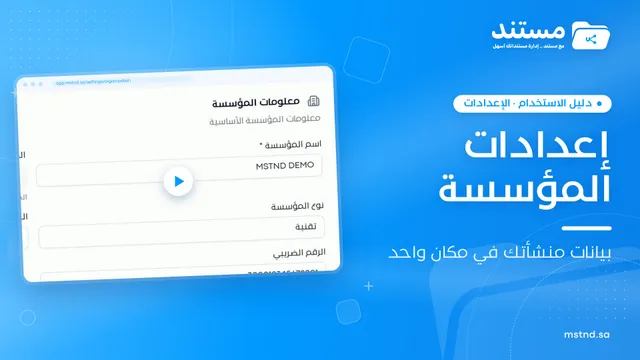 0:21
2Organization settings in Mstnd: your organization's official data in one place
Learn Mstnd organization settings: name, type, commercial registration and tax number, how to edit and save them, and why the unique identifier is display-only.
10 min read0:21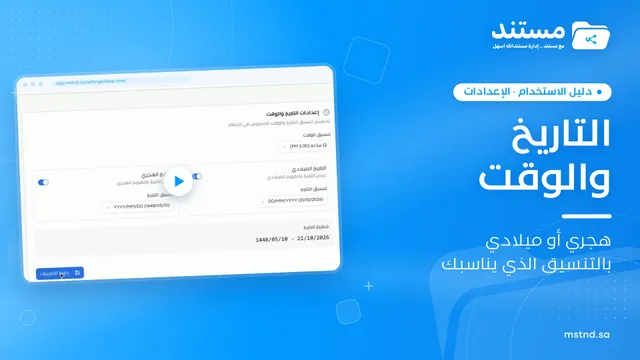 0:25
3Date and time settings in Mstnd: Hijri, Gregorian or both
Learn Mstnd date and time settings: choose the 24-hour or 12-hour clock, enable Gregorian, Hijri or both dates, and format each one with an instant preview.
10 min read0:25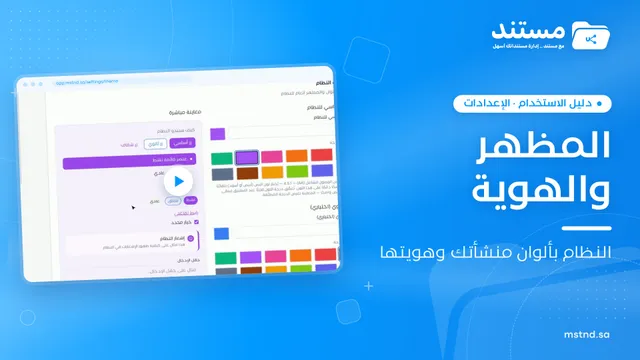 0:29
4Appearance and branding in Mstnd: the system in your organization's colors and logo
Learn the Mstnd appearance and branding settings: primary and secondary colors via code or suggestions, live preview, automatic text contrast and logo upload.
12 min read0:29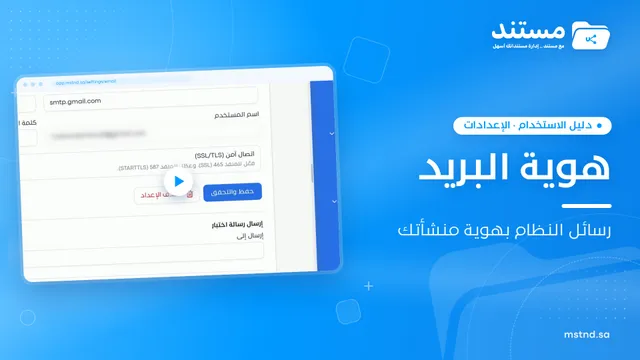 0:43
5Email identity in Mstnd: send system notifications in your organization's name
Set up Mstnd email identity so notifications use your organization's name and email: sender identity, SMTP, secure connection, test email, notification types.
13 min read0:43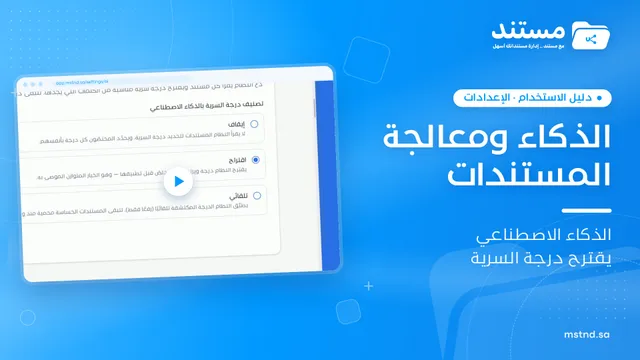 0:31
6AI and document processing: automatic analysis and confidentiality classification
Set the smart document analysis mode in Mstnd (for all, for specific folders or manual) and AI confidentiality classification: off, suggest or automatic.
15 min read0:31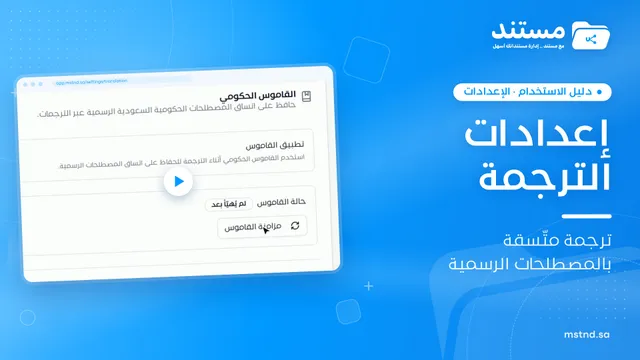 0:32
7Translation settings in Mstnd: a default language and an official terminology glossary
Set up translation in Mstnd: default target language, translation model, available languages, government glossary and auto-translation of incoming documents.
13 min read0:32 0:52
8Metadata templates in Mstnd: design the fields you need
Learn to create metadata templates in Mstnd: text, number, date and list fields, required fields, AI auto-fill and a library of reusable fields.
14 min read0:52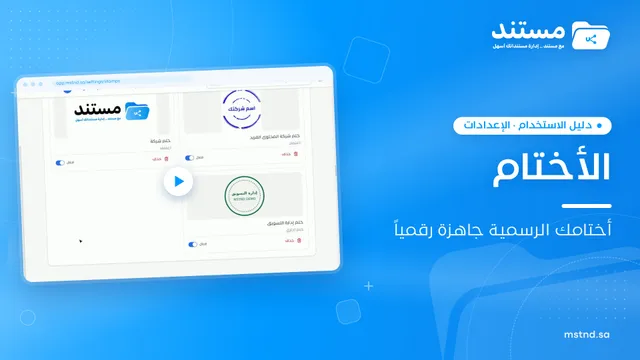 0:28
9Organization stamps in Mstnd: add your official stamps digitally
Learn the stamp settings in Mstnd: add an official stamp with its name, type, description and image, and activate or deactivate any stamp for staff to use.
12 min read0:28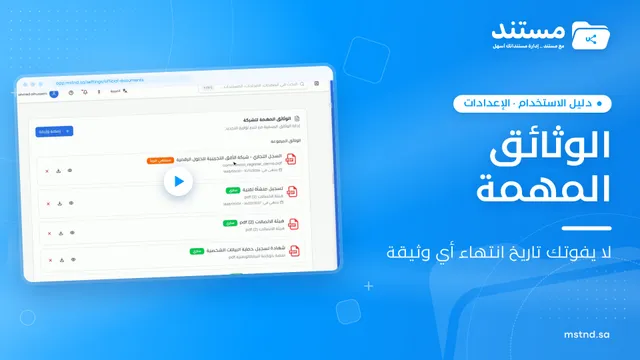 0:57
10Important documents in Mstnd: track your commercial registration and licenses
Learn «Important documents» in Mstnd: upload a commercial registration or license, let AI suggest its data and set a Hijri or Gregorian expiry date for alerts.
13 min read0:57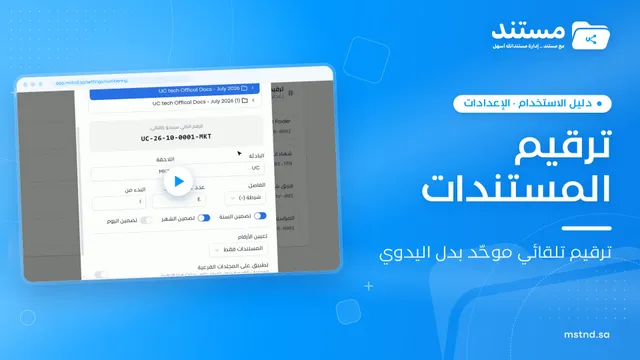 0:55
11Document numbering in Mstnd: consistent automatic numbering for every folder
Set up automatic document numbering in Mstnd for each folder: prefix, suffix, year, month, separator, counter digits and starting number, with a live preview.
14 min read0:55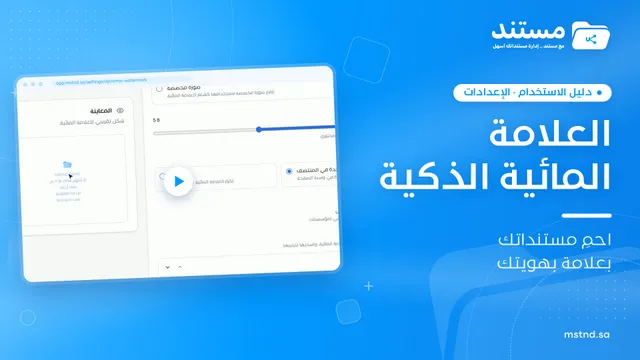 1:28
12The smart watermark in Mstnd: protect your documents with your brand identity
Design a smart watermark with your logo, user details and date, set when and where Mstnd adds it to documents and correspondence, plus a confidentiality mark.
17 min read1:28 1:28
13Auto-archiving and retention: the document lifecycle in Mstnd
Set a retention policy in Mstnd: archive, then trash, then permanent destruction, with advance alerts, folder rules, legal holds and approval before deletion.
17 min read1:28 0:57
14Nafath in Mstnd: sign-in and signing with a verified identity
Set up Nafath in Mstnd: sign-in verification, tracking the Nafath request balance, registering member ID numbers and choosing which actions require Nafath.
14 min read0:57